
Low data.
Low data
Data is money. We treat it that way.
Most GENZY members learn on mobile data, where every megabyte costs something. So we build GENZY to use as little as possible, without making it look or feel cheap.

- Videos load only this close to your screen
- 300px
- Largest photo we send in chat
- 1920px
- Voice note quality
- 32 kbps
- To open a file you already received
- 0 MB
What we do
Light by default.
You should not have to hunt for a setting to save data. All of this is already working for you.
Videos wait for youLive
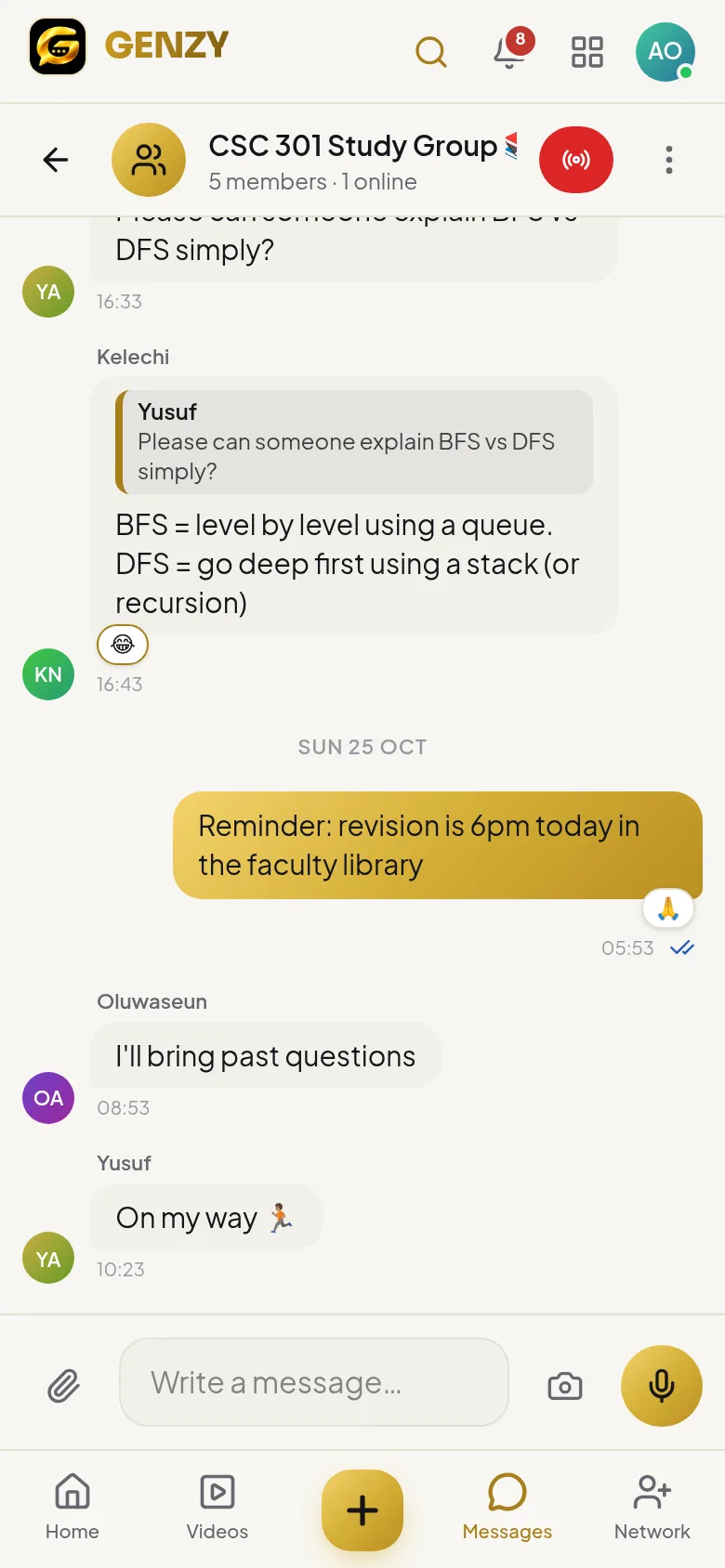
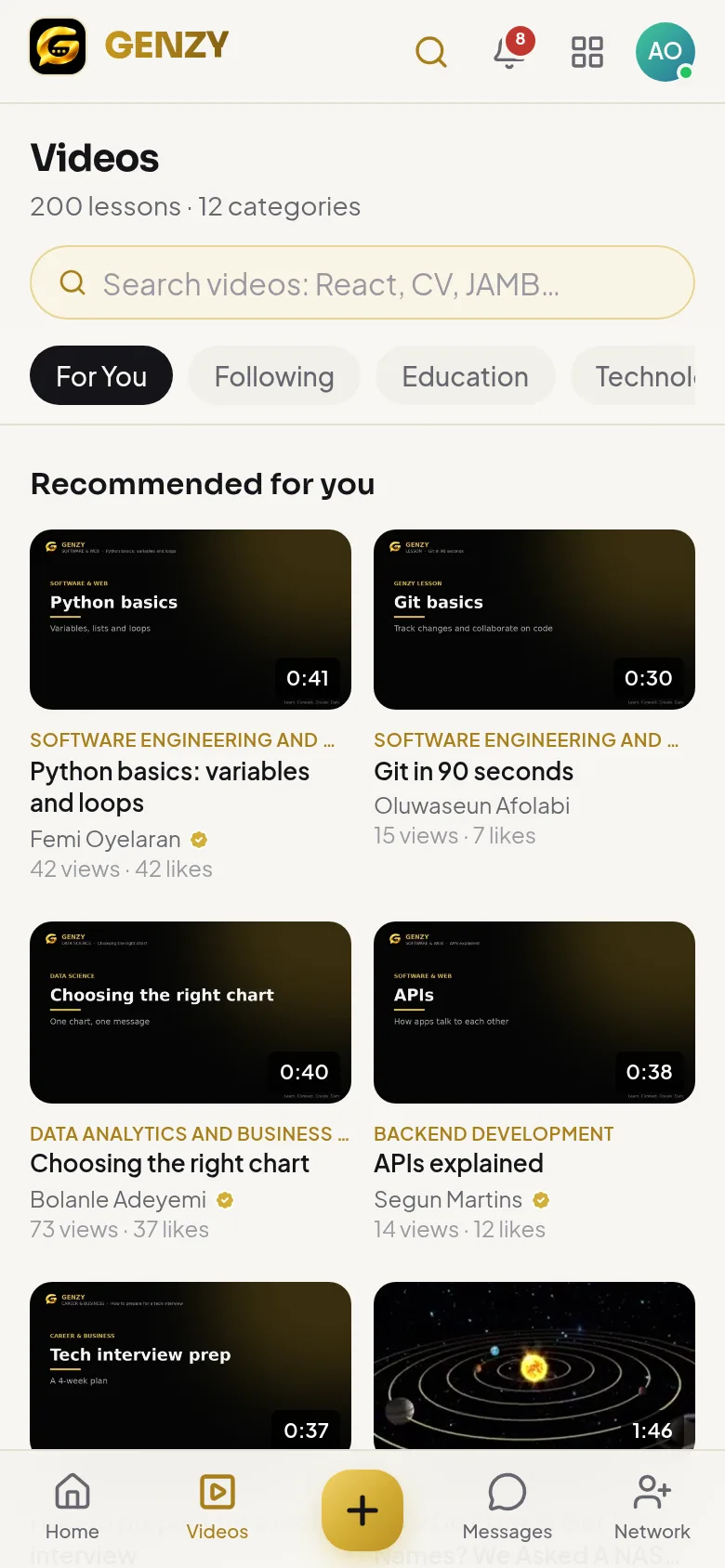
A video in your feed starts loading only when it is about to appear on your screen. Scroll past, and it never downloads.
Streaming that adaptsLive
Videos stream in small pieces at the quality your connection can handle, so a weak signal plays a lighter version instead of buffering.
Autoplay you controlLive
Turn autoplay off in Settings. It switches off by itself when your phone is in data-saver mode.
Smaller photos in chatLive
Photos are resized on your phone (to at most 1920 pixels) before they are sent, so neither of you pays for a 10 MB original.
Light voice notesLive
Voice notes are recorded at 32 kbps: about a quarter of a megabyte per minute.
Nothing downloaded twiceLive
Files you receive in chat are kept on your phone, so opening them again costs nothing.
No app store downloadLive
GENZY runs in your browser and installs to your home screen in seconds, without a big download.
Dark modeLive
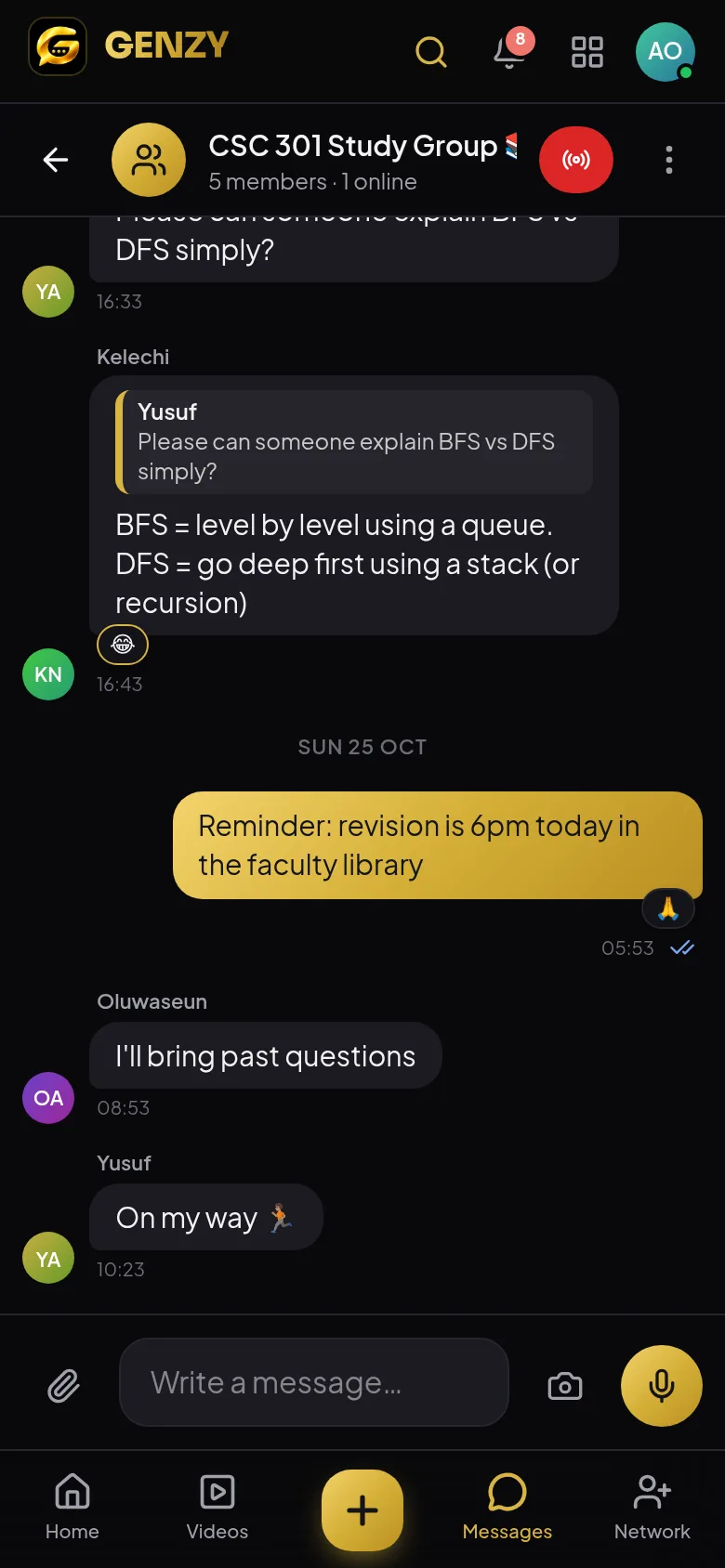
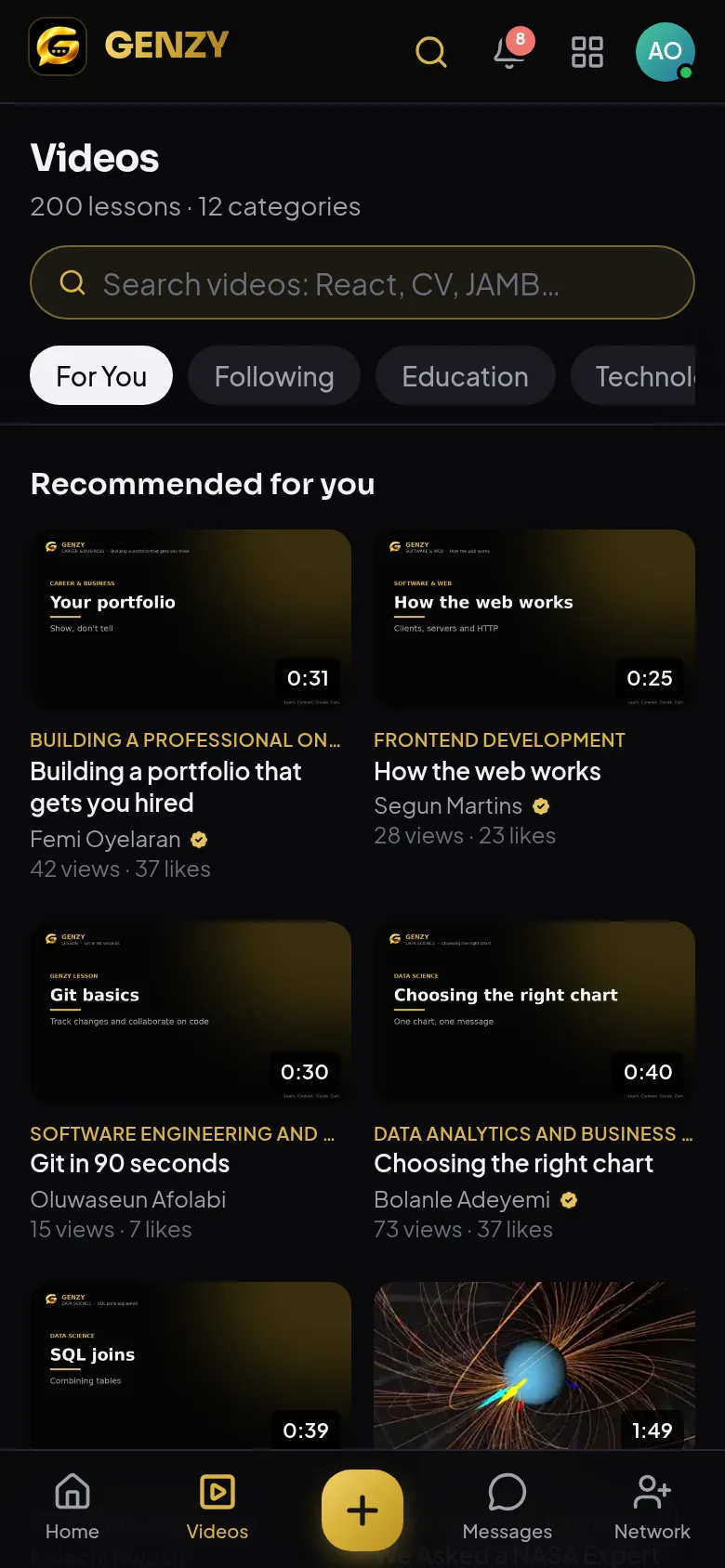
Gold on black is easier on your eyes at night and on the battery of many phones.
Your tips
Save even more.
- 01
Turn off autoplay
Settings → Autoplay videos. Videos then play only when you tap them.
- 02
Use data saver
Turn on your phone's data saver and GENZY automatically stops autoplaying.
- 03
Join classes with camera off
In a live class, audio uses a fraction of the data video does.
Low data
Learn more. Spend less.
GENZY is free to join and light on your bundle. Open it in your browser and start learning.